Best Online Legal Document Services
Compare the best online legal document services for contracts, filings, and personal forms, including pricing, support, features, and legal limits.
Published ·11 min read

Need a lease, will, NDA, or business contract without booking a costly meeting? Online legal document services can help with routine paperwork, but they don't replace legal advice. We compared ten named options and found a split market: DraftMint leads for simple pay-once drafting, while other services fit subscriptions, filings, attorney review, or large form libraries.
Table of Contents
- 1. DraftMint (Our Top Pick)
- 2. LegalNature, Structured drafts for standardized paperwork
- 3. Rocket Lawyer, Broad coverage with reviewable legal documents
- 4. LawDepot, Traceable forms for individuals and small businesses
- 5. Nolo, State-specific forms for focused filing needs
- 6. Avvo, Guided forms for common legal matters
- 7. UpCounsel, Attorney-reviewed contract drafting for teams
- 8. LegalZoom, Standardized packages for formation and filings
- 9. DoNotPay, Fast form-based paperwork and submission guidance
- 10. US Legal Forms, Extensive state-specific form coverage
- How the Best Online Legal Document Services Compare
- What to Look For Before Buying an Online Legal Document Service
- FAQ
- Conclusion
1. DraftMint (Our Top Pick)
DraftMint's U.S. legal documents fit people who want one clear document without an account or recurring bill. It uses plain-language questions to shape a document for your answers, then gives you PDF and Word files.
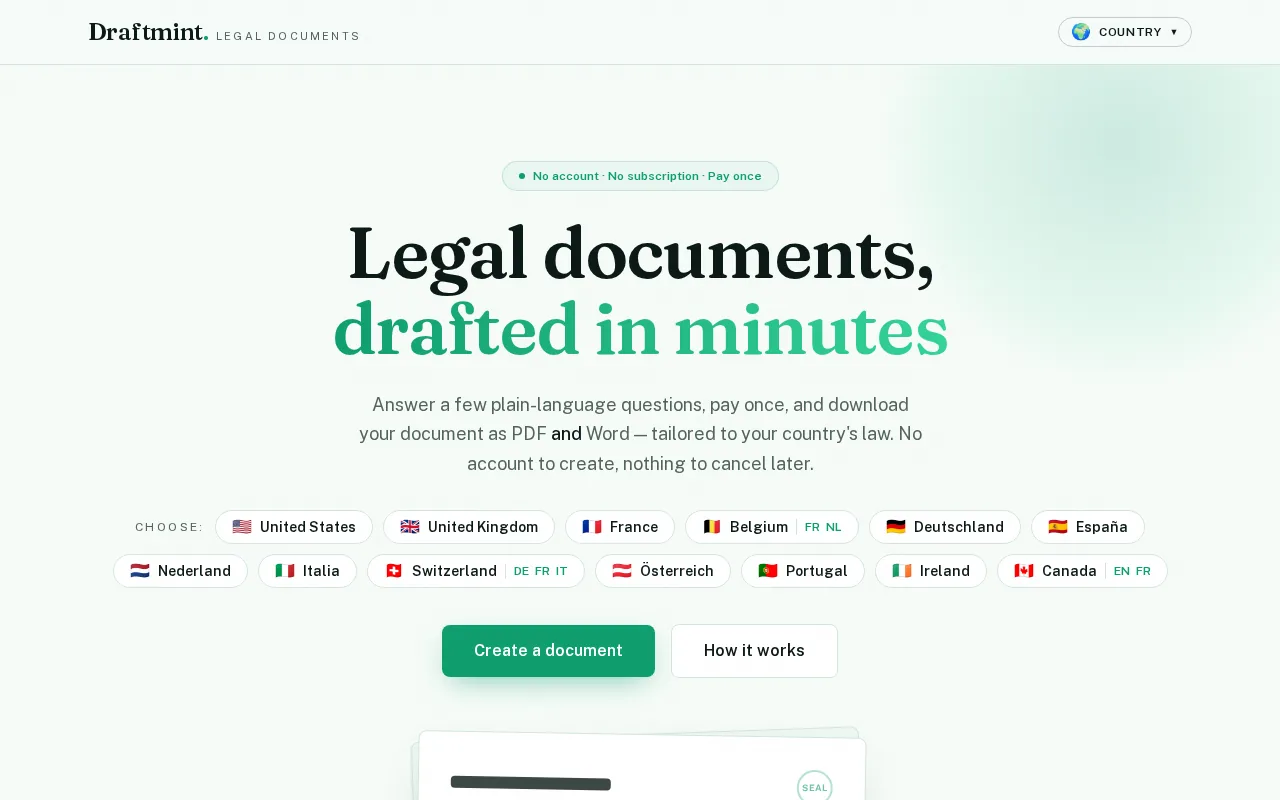
The buying model is the main draw. No account. No subscription. Pay once. You can preview a watermarked version before paying, then download the final file at once. The U.S. catalog covers common business, real estate, finance, employment, and personal needs.
For example, the NDA flow asks 15 guided questions and supports one-way or mutual agreements. That makes DraftMint a strong fit for a freelancer, small team, landlord, or operator who already knows which document is needed.
The limit is important: DraftMint is a self-help template service, not a law firm. If the deal is unusual, contested, or worth a lot, have a licensed lawyer review it. For routine drafting with transparent pricing, this is our first pick.
2. LegalNature, Structured drafts for standardized paperwork
LegalNature suits users who need a broad library for business, real estate, and personal paperwork. Its guided questionnaires turn structured answers into document drafts, which can help when you expect to create several forms.
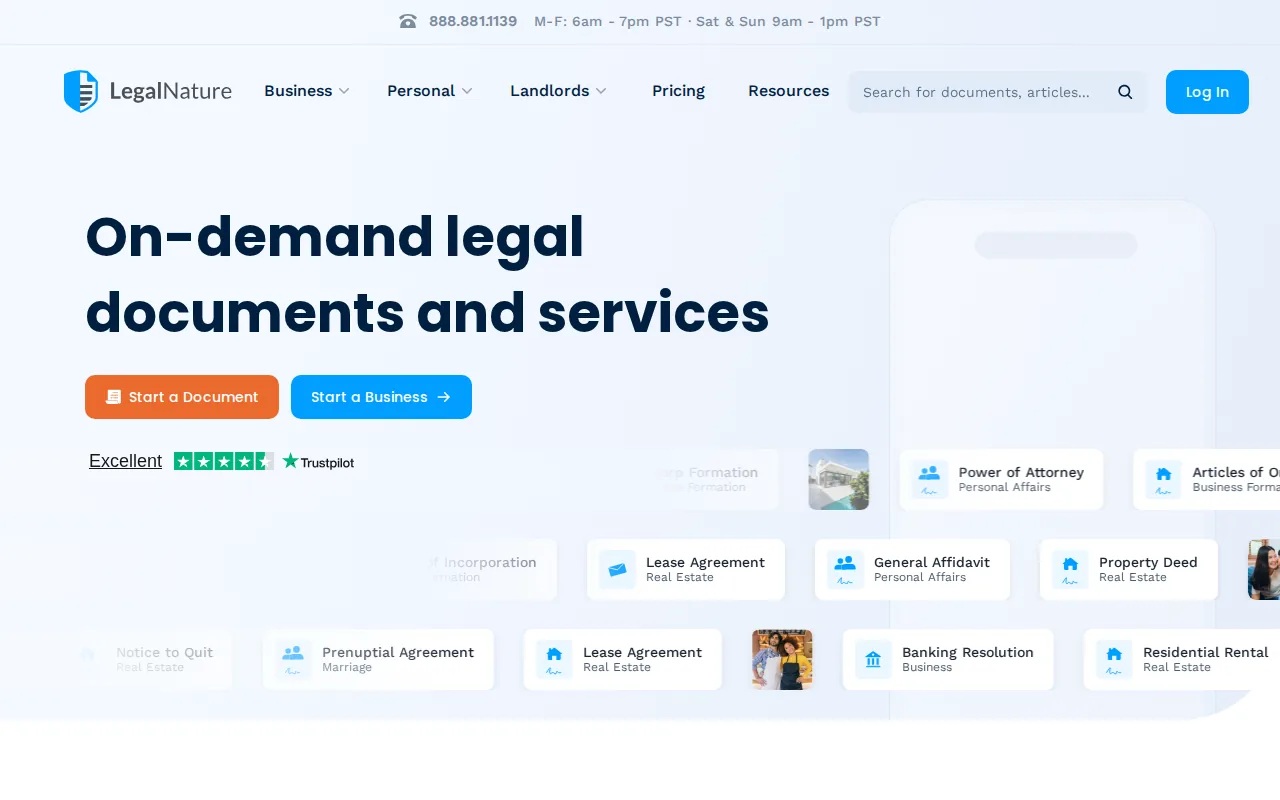
LegalNature covers common legal forms, contracts, business and personal filings. The entry point is listed as $0 plus a state fee, but that is not the same as an ongoing free plan.
The service has a free trial and subscription choices. Annual billing may suit repeat users, while a single-document buyer should check the renewal terms first. Pricing for formation packages also takes some digging, so confirm the full total before checkout.
LegalNature gives you paperwork, not advice. Document-specific signing rules still vary.
3. Rocket Lawyer, Broad coverage with reviewable legal documents
Rocket Lawyer fits people who want documents plus a path to attorney support. Its catalog covers business contracts, vendor agreements, employment agreements, leases, wills, and other personal forms.
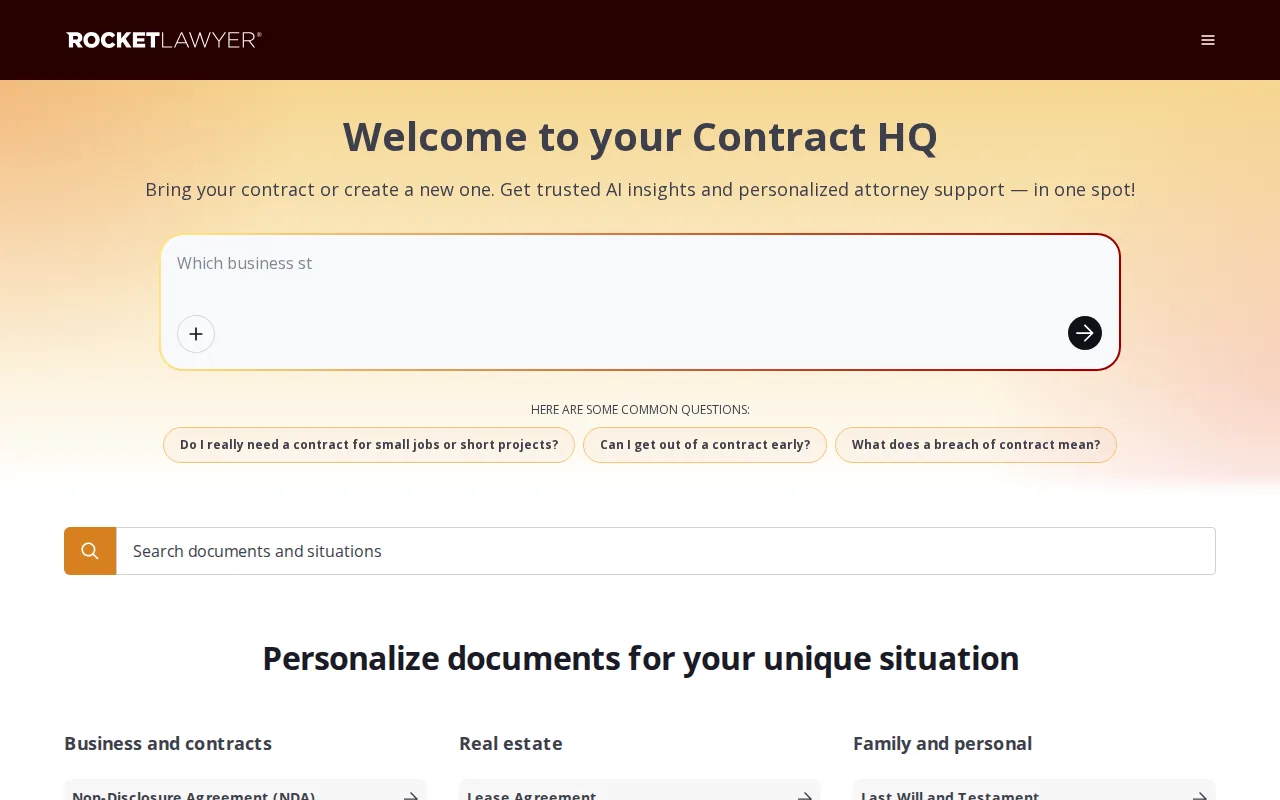
Rocket Lawyer may make sense for repeat business use, but a subscription can cost more than a pay-per-document service when you need one form.
Read trial terms and renewal dates before entering payment details. The attorney features also don't mean every matter receives full representation.
4. LawDepot, Traceable forms for individuals and small businesses
LawDepot is a fit for individuals and small businesses that want a guided form flow. Its coverage includes leases, notices, vendor agreements, and customer agreements.
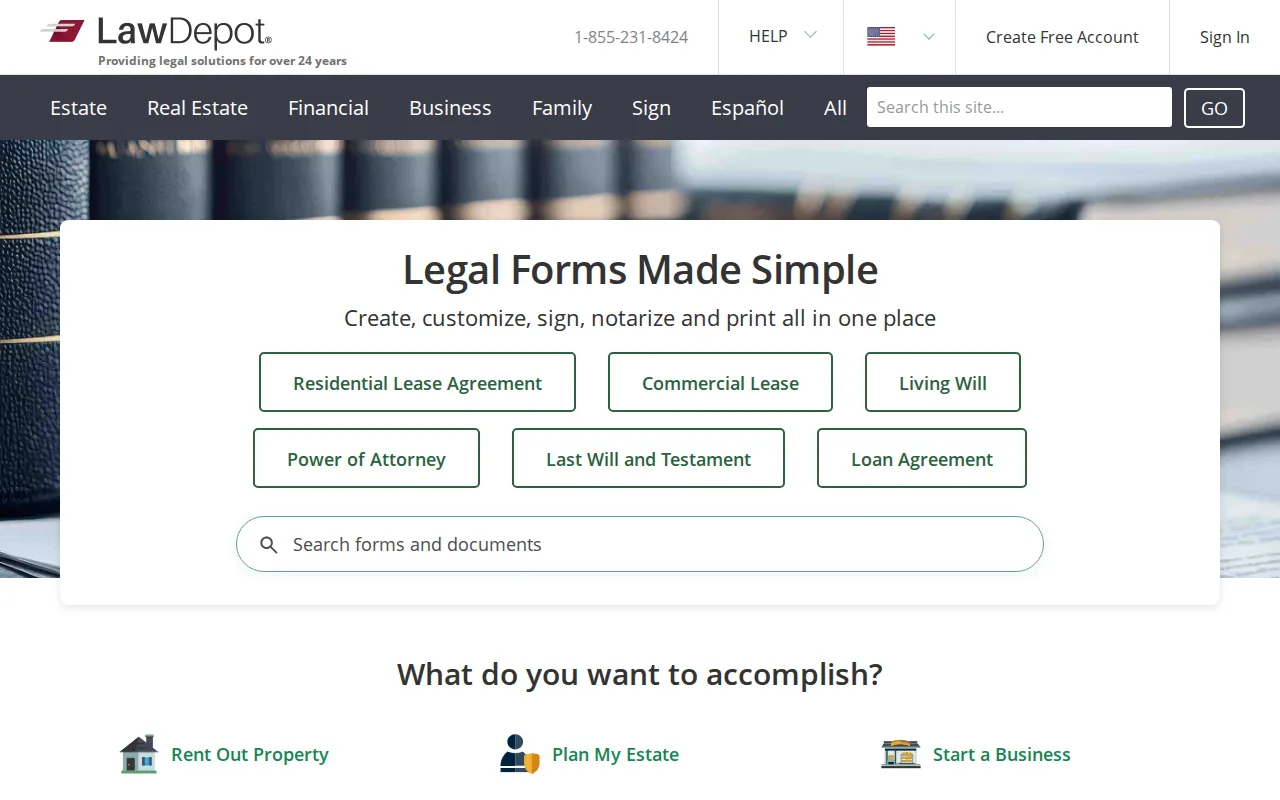
Its trial model may suit a one-off task, but users need to watch for conversion to monthly or yearly billing. The service remains a document generator. It won't assess a dispute, plan a complex estate, or tell you which legal strategy fits your facts.
Choose LawDepot when the form is routine and your facts are clear. Stop and seek advice when the questionnaire cannot capture the deal.
5. Nolo, State-specific forms for focused filing needs
Nolo is useful when you want a focused form with plain-English instructions. Its online forms cover estate planning, business, finance, employment, real estate, landlord matters, elder care, and family topics.
Some online form services provide access for a one-year period. Listed prices vary by document, so check the current form page before buying.
The strength is focus. A person handling one filing path may prefer a single form with instructions over a large membership. Nolo also warns that general information is not a substitute for advice from a lawyer licensed in your state.
That warning is not fine print to skip. State rules can affect witnesses, notarization, filing, and the wording itself.
6. Avvo, Guided forms for common legal matters
Avvo fits users who want guided forms for common legal matters and do not need deep reporting or workflow links. Its place in the shortlist comes from structured drafting rather than a broad automation layer.
A guided form can help you gather facts in the right order. That is useful for a simple personal matter when a blank Word file would leave too many gaps. It also gives a clearer handoff if a lawyer later reviews the answers.
Avvo is not a replacement for counsel on a contested or unusual matter. Treat the output as a starting document, not a legal plan.
Avvo is best when the issue is common, the facts are simple, and you want help with the first draft.
7. UpCounsel, Attorney-reviewed contract drafting for teams
UpCounsel is aimed at teams that need contract drafting with attorney involvement. It is a better match for repeat deal work than for someone who needs one basic form.

UpCounsel fits the contract-focused group and offers an attorney-reviewed workflow. That distinction matters when a team needs a lawyer to examine terms, not only a template to fill out.
The cost tradeoff is plain. Attorney review can add useful judgment, but it usually makes the process less like a quick self-service purchase. Ask what the review includes, who handles revisions, and whether the work covers your state and deal type.
For shareholder terms, intellectual property, or a deal with real negotiation risk, legal review may be worth the extra step. For a routine NDA, a pay-once tool may be enough.
8. LegalZoom, Standardized packages for formation and filings
LegalZoom fits individuals who want structured packages for entity formation, contracts, and state paperwork. It is one of the more recognizable choices for people starting a business.
Its coverage includes formation filings, contract templates, and state-specific paperwork. That mix helps when your first task is forming an entity and your next task is preparing basic business documents.
Watch the package design. A low starting price may exclude state filing fees or add-on services. Read each checkout screen and decide whether you need filing help, registered-agent work, or only a document.
LegalZoom can reduce form friction. It still cannot make a complex business decision for you.
9. DoNotPay, Fast form-based paperwork and submission guidance
DoNotPay is aimed at people who need fast, form-based paperwork for a specific dispute or submission task. Its documented coverage includes dispute-specific documents and submission checklists.
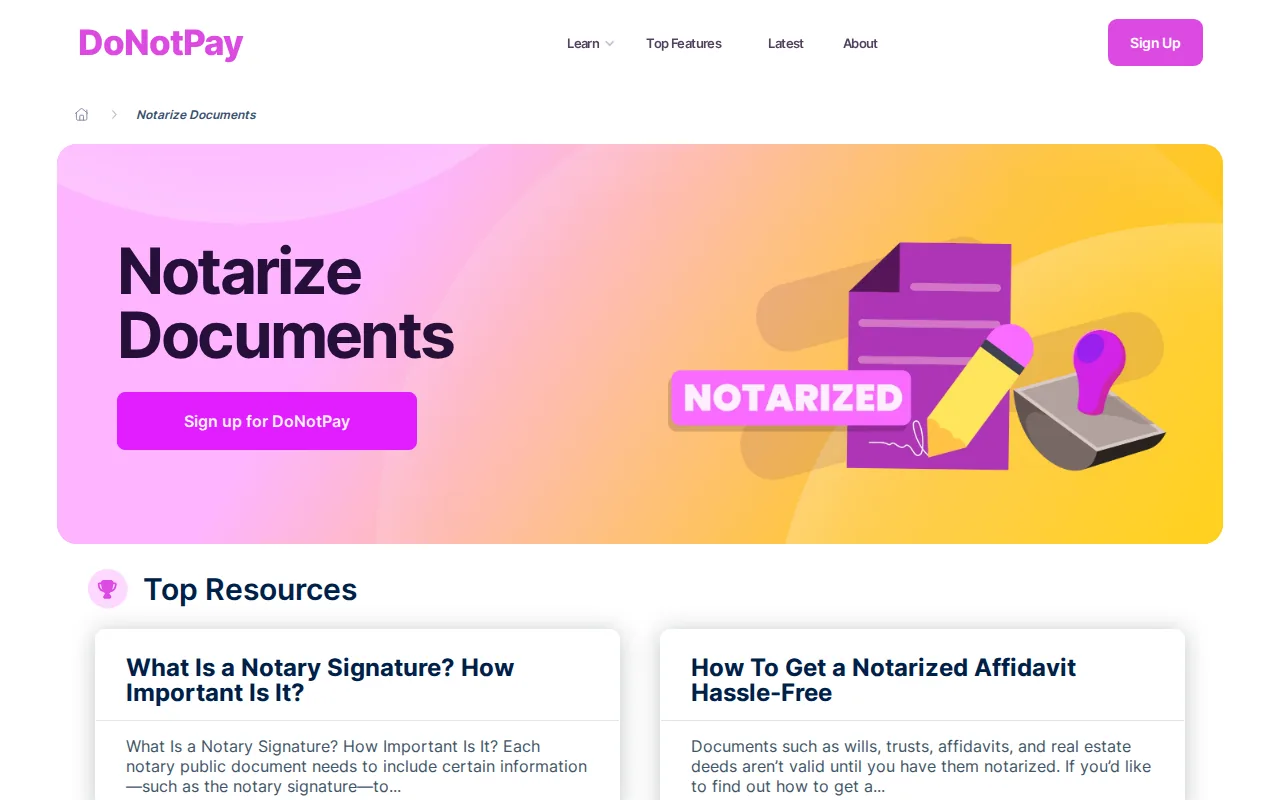
The checklist angle is useful when the hard part is knowing what to send next. A structured intake can also reduce missed fields in a narrow request.
But narrow matters can still carry serious risk. A dispute may turn on facts that a form cannot assess. Check the full membership or trial terms before paying, and do not assume submission guidance equals legal representation.
Use this type of service for a defined paperwork task. If the other side has a lawyer or the matter is contested, move up to licensed counsel.
10. US Legal Forms, Extensive state-specific form coverage
US Legal Forms is the strongest fit for users who need a narrow state-specific document and want a large form library. US Legal Forms offers tens of thousands of state-specific forms.
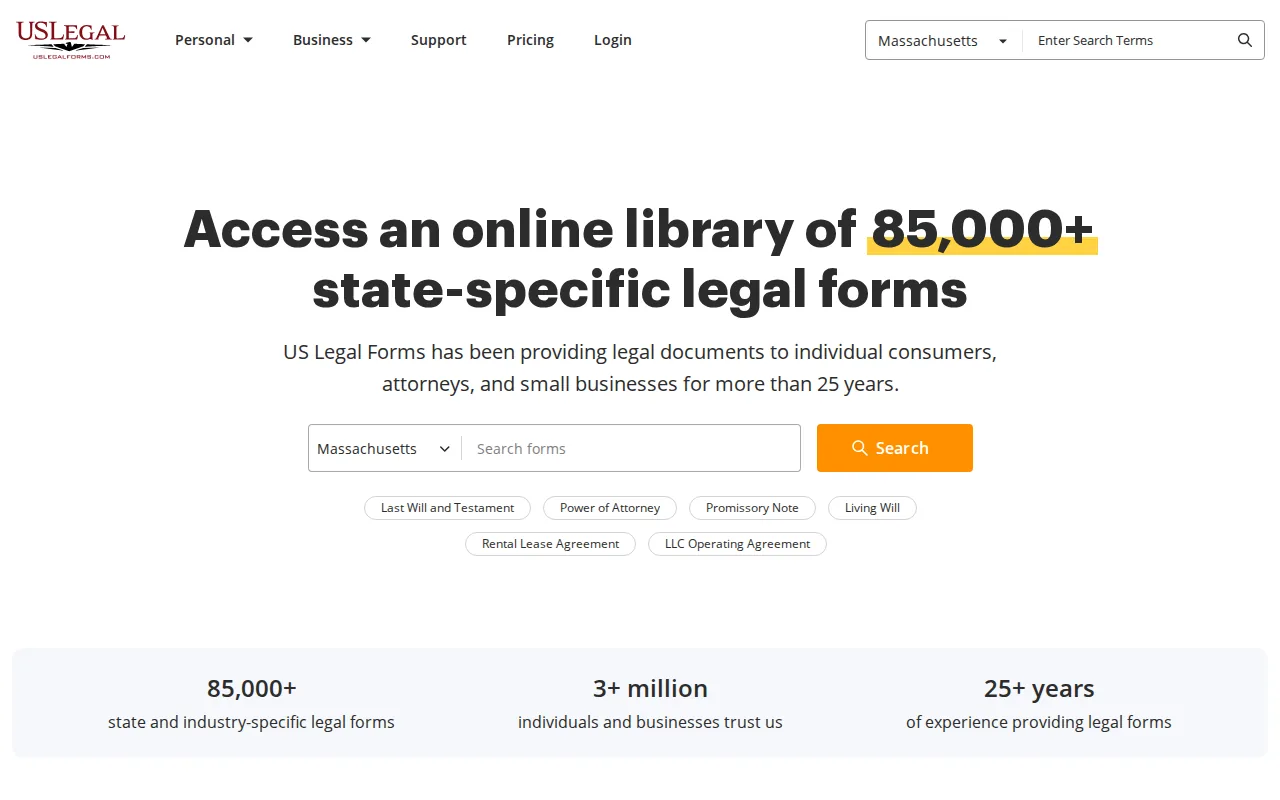
A large catalog can help when your form is uncommon or tied to a particular state. It can also create a new problem: more choices do not tell you which form fits your facts.
Search by state and document purpose, then check execution rules before signing. The service belongs at the template end of the spectrum. It is less suited to planning, negotiation, or advice about a legal path.
Pick it for coverage. Do not pick it because a large number of forms guarantees the right answer.
How the Best Online Legal Document Services Compare
The best online legal document services differ less by brand fame than by the job you need done. The market breaks into broad libraries, contract tools, formation services, and niche form providers.
| Need | Best fit | Pricing pattern | Main caution |
|---|---|---|---|
| One routine document | DraftMint or Nolo | Pay once or per form | Check state signing rules |
| Several documents each year | LegalNature or Rocket Lawyer | Subscription or membership | Watch renewals |
| Business formation | LegalZoom or LegalNature | Service fee plus state fee | Review package add-ons |
| Attorney input | UpCounsel or Rocket Lawyer | Membership or review fee | Confirm review scope |
| Rare state form | US Legal Forms | Per-form or library access | Catalog size is not advice |
Pricing usually falls into two groups. Pay-per-document works well for one or two forms. Memberships can make sense when you draft often or want attorney questions included.
Teams may need manual downloads, shared folders, or their own document workflow.
These services must keep a line between document help and legal advice. A form can be valid when completed and signed correctly, yet still fail your needs if the chosen form was wrong.
What to Look For Before Buying an Online Legal Document Service
Start with the document, not the brand. Write down its purpose, state, parties, deadline, and whether anyone disputes the facts.
- State fit: Check that the form is adapted to the state where it will be signed or filed.
- Price clarity: Separate the document fee, state fee, add-ons, trial period, and renewal charge.
- Output: Confirm whether you receive PDF, Word, a preview, or only a locked file.
- Support: Find out whether support explains the product or gives legal advice.
- Privacy: Read the privacy policy before entering names, addresses, account details, or financial facts.
- Execution: Check witness, notarization, filing, and signature rules for that document.
A generic template may look cheap until a missing clause forces a rewrite. A lawyer may cost more at the start, but the fee can make sense when the asset, risk, or relationship is substantial.
Use self-service for routine work with clear facts. Use an attorney when the matter is contested, high-value, unusual, or hard to explain in a questionnaire.
Key Takeaway: The right service matches the document's risk, not only its price.
For a simple U.S. contract, you can review a DraftMint NDA template before deciding whether you need legal review.
FAQ
Are online legal document services worth it?
Online legal document services are worth it when you need routine paperwork and understand the facts. They can save time and reduce the cost of a basic draft. They are a poor fit when the matter is contested, unusual, or high stakes. In those cases, pay for advice from a licensed attorney.
Are online legal documents legally valid?
Online legal documents can be valid if the form fits the matter and you follow the signing rules. Those rules may require witnesses, notarization, filing, or wet ink. The service generates language, but you remain responsible for execution. Check your state's rules before relying on the document.
What is the cheapest way to get a legal document?
The cheapest option is often a pay-per-document service when you need one routine form. A subscription may cost less per document only when you use it often. Compare the full checkout total, state fees, trial conversion, and renewal terms. A free trial is not the same as a permanent free plan.
Can online legal services replace a lawyer?
Online legal services cannot replace a lawyer for legal advice, negotiation, litigation, or complex planning. They fill a narrower gap between a blank page and full legal representation. Use them when your task is clear and standardized. Bring a lawyer in when you need judgment about risk or strategy.
Which service is best for a one-time contract?
DraftMint is our best fit for a one-time U.S. contract when you want guided questions, a preview, and a pay-once download. Other legal document services may fit better if you need a large library or ongoing attorney access. Check the document type and state before you pay.
Conclusion
Choose DraftMint when you know the document you need and want a clear, one-time purchase with PDF and Word files. Start by selecting the right U.S. document, answer the guided questions, preview the draft, and download it. If the facts are complex or disputed, pause before signing and ask a licensed attorney to review it.