Best Prenuptial Agreement Online Options
Compare the best prenuptial agreement online options, from drafting tools to guided templates and signing platforms with legal review.
Published ·11 min read

An online prenup can look simple until you check jurisdiction, financial disclosure, signing rules, and attorney review. The market also has a pricing problem: a research sample found a $599 median among platforms that disclosed prices, while most tools still stop at questionnaire-to-document conversion.
Here are the strongest named options, with DraftMint first for drafting-focused work and clear limits on what each service can do.
Table of Contents
- 1. DraftMint (Our Top Pick)
- 2. LegalZoom, Guided questionnaire-to-draft workflow
- 3. Rocket Lawyer, Sign-ready documents with traceable inputs
- 4. Nolo, Plain-language clause guidance by jurisdiction
- 5. LawDepot, Structured financial and disclosure clauses
- 6. Jotform, Flexible forms for asset and clause schedules
- Prenuptial Agreement Online Comparison Table
- FAQ
- Conclusion
1. DraftMint (Our Top Pick)
DraftMint is a drafting-focused software company for professionals and teams that need faster document workflows. We place it first for readers who care most about turning rough inputs into a clean working draft.
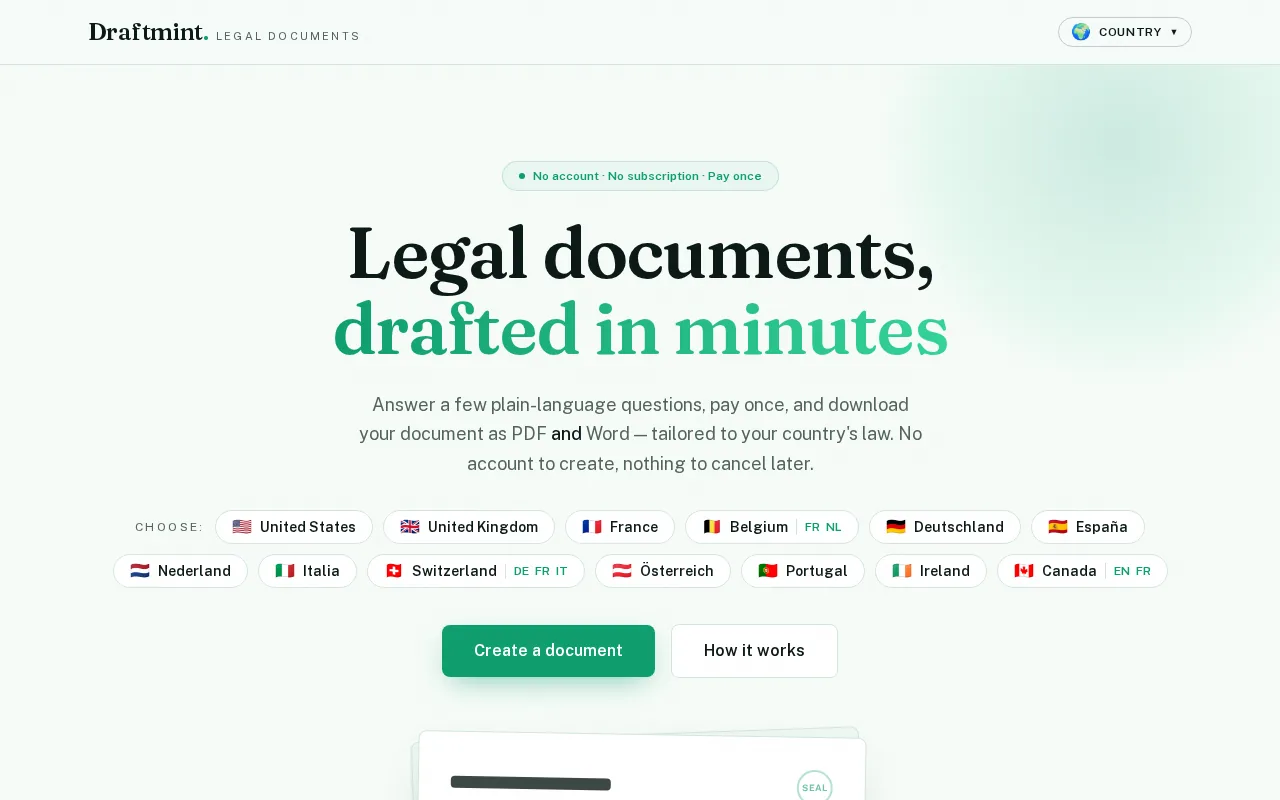
That makes DraftMint a useful starting point when the hard part is getting thoughts, terms, and source details into one organized document. A couple may have a long list of assets, debts, business interests, or questions for counsel. A drafting tool can help put that material into a form that is easier to review.
Our view is simple: drafting quality comes before signing technology. A signature platform can record an event, but it can't fix a vague clause or a missing asset schedule. DraftMint fits the early part of the workflow, where clear structure can reduce the back-and-forth before legal review.
There is an important caveat. The available business information describes DraftMint as a general drafting tool. It does not establish state-specific prenup coverage, legal advice, enforceability, notarization, or attorney review. Couples should treat any generated text as a draft and ask a qualified family-law attorney to check it.
For a broader set of US legal document workflows, we also keep the US legal documents collection separate from this shortlist. That distinction matters because a prenup has special state-law and disclosure needs.
Key Takeaway: Pick DraftMint when drafting speed and document structure are your first concern, then add state-specific legal review before signing.
2. LegalZoom, Guided questionnaire-to-draft workflow
LegalZoom fits couples who want a guided prenuptial agreement online questionnaire that turns entered terms into a structured draft. The workflow is centered on capturing information about property and obligations, then producing a document for review.

That approach helps when both partners need a shared starting point. Instead of passing a blank form back and forth, you can work through prompts and see how the answers become agreement language. The output can then move to an attorney for edits.
Prenups may cover matters such as separate property, debt, business ownership, inheritance, spousal support, and financial duties. Full financial disclosure and voluntary signing are useful checks for any online service, not details to skip because the interface feels easy.
The main weakness is reporting depth. The research describes the result as a reviewable document, but not a system with clause-level analytics, revision metrics, or broad audit reporting. You get a draft. You don't get a detailed score showing which financial topics may be missing.
Jurisdiction deserves extra care. A state-specific workflow can be useful, but state rules still differ. The couple should confirm that the document matches the state where the marriage, property, or later court case may matter.
LegalZoom is a reasonable fit for a couple that wants guided intake and a downloadable draft. It is less suited to teams that need integrations or detailed change tracking.
3. Rocket Lawyer, Sign-ready documents with traceable inputs
Rocket Lawyer is built around guided intake that fills clause blocks in a sign-ready agreement. It suits couples who want a structured document and a clearer trail from their answers to the draft.
Couples should raise the prenup well before the wedding. Signing too close to the ceremony may support an argument that one partner felt pressured. That timing point is easy to miss when an online workflow makes document production feel instant.
Rocket Lawyer also stresses complete financial disclosure. Assets and debts left out before signing can create problems later. A useful working habit is to keep the answers, financial schedules, and later document versions together rather than treating the final PDF as the only record.
The platform's strength is document workflow. The research describes versioned document history and traceable inputs, which can help when partners revise terms during a planned negotiation. A lawyer can review the result and identify clauses that need a change.
Its limit is analytics. The workflow is mainly form-based, so it does not replace legal judgment about fairness, disclosure, or enforceability. It also isn't aimed at high-volume custom automation with a deep data model.
Rocket Lawyer makes the most sense when you need one agreement per matter. Give yourselves time, keep the disclosure record, and don't confuse a sign-ready file with a court-tested result.
4. Nolo, Plain-language clause guidance by jurisdiction
Nolo is a good choice for couples who want plain-language explanations beside their prenup clauses. Its material covers property, debt, inheritance, spousal support, and the limits of what a prenup can control.
The biggest benefit is context. A prompt about separate property means more when you understand that it can include property owned before marriage, gifts, or inheritance. A debt clause also needs a list of actual liabilities, not a vague promise to handle debt fairly.
State law differs between community-property and equitable-distribution states. That difference can affect how marital property is divided if the couple has no agreement. Complete financial disclosure is a key part of a fair and valid prenup.
This is where Nolo earns its place. It gives couples a baseline they can read line by line with counsel. That can make the attorney meeting more focused because the couple has already marked terms they understand and terms they don't.
The caveat is that plain-language guidance is still guidance. It is not a substitute for advice about a specific state, estate plan, business, prior marriage, or support arrangement. Nolo also does not provide the dashboard-style analytics found in legal operations systems.
Choose Nolo when understanding the clause matters as much as producing the file. It is especially useful for couples with mixed assets or a need to explain their choices clearly during legal review.
5. LawDepot, Structured financial and disclosure clauses
LawDepot uses a prenuptial questionnaire to turn structured answers into disclosure and financial term clauses. It fits readers who want a form-led starting point for listing what each person owns and owes.
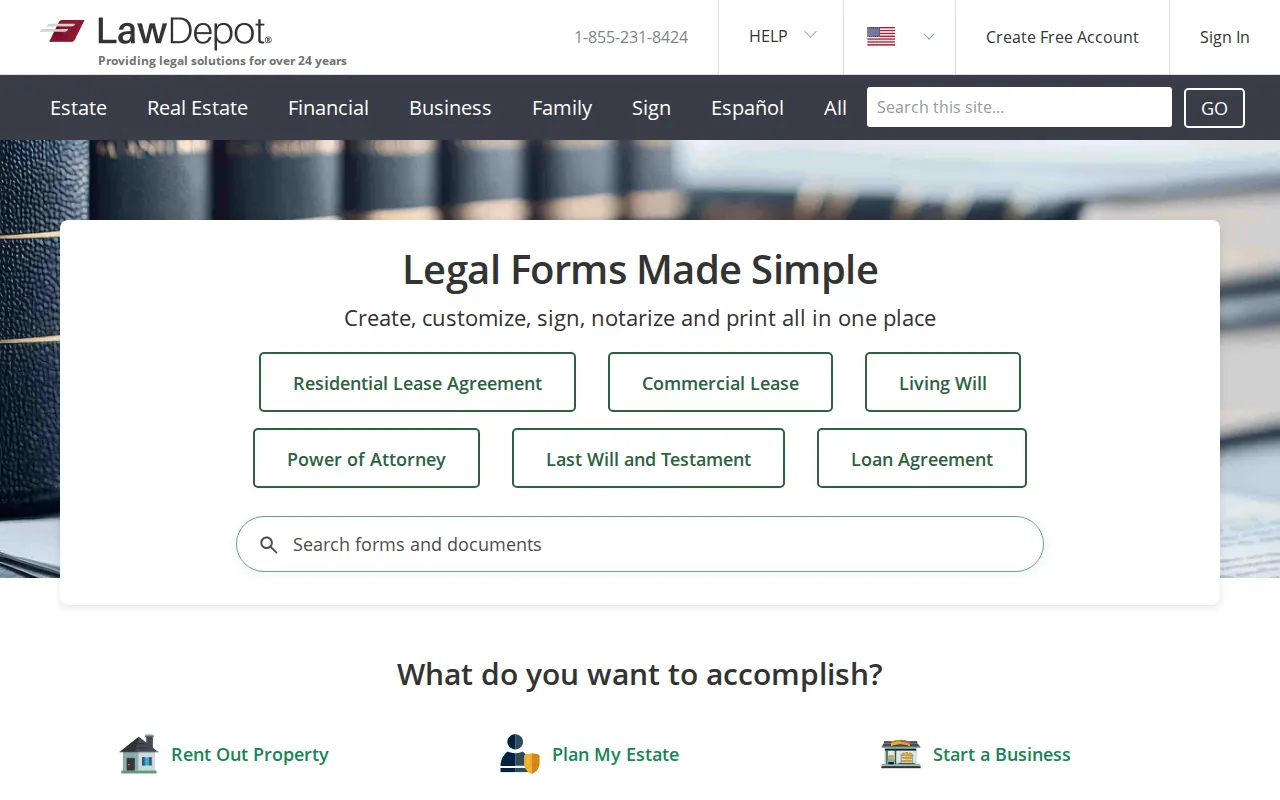
That structure can help with a common failure point: incomplete schedules. A useful intake should push both partners to think about homes, accounts, loans, business interests, inheritance, and other obligations. The resulting document still needs a careful check against the underlying records.
The research identifies LawDepot as the low-cost outlier in a sample where disclosed prices clustered much higher. The sample's $49 option pulled down the average, while the median remained $599. That gap is a warning against judging the whole market by its cheapest advertised entry point.
Price also tells you little about automation depth. Most tools in the research sample convert questionnaire answers into documents. Few provide clause analytics, and integrations are rare. A lower price may be useful for a basic draft, but it does not answer the legal questions that come after drafting.
LawDepot's main limitation is the same one found across many consumer tools: a generated form cannot decide whether a disclosure is complete or a term is fair in your situation. An attorney should review unusual assets, business ownership, support waivers, or cross-border issues.
LawDepot is best viewed as a structured intake and drafting aid. Use it when cost and a guided form matter, but keep legal review in the plan.
6. Jotform, Flexible forms for asset and clause schedules
Jotform is a flexible form builder rather than a prenup-specific legal drafting service. It can fit a lawyer, advisor, or organized couple that needs custom fields for asset schedules and clause notes.
Jotform offers a configurable form builder with typed fields and submission exports. That flexibility can help a team collect information in a set order. For example, a form could ask about a property only after a user selects that they own one.
Jotform can also store submissions as exportable data. That makes it useful for checking whether a schedule has a value, an owner, and a note that explains the proposed treatment. The form can support the intake process even when the final legal document is drafted elsewhere.
But Jotform does not turn a general form into legal advice. Someone still has to design the questions, assess the answers, write suitable clauses, and check state requirements. A poorly designed form can make a weak process look tidy.
This option is strongest in a professional workflow where the form owner understands the legal intake. It is a weaker pick for a couple expecting a complete, state-specific agreement from a blank form builder.
Pro Tip: Use separate fields for ownership, estimated value, debt, source of funds, and the term you want reviewed. A single free-text box hides gaps.
Choose Jotform when the intake itself is the problem. Choose a prenup-focused service when you need the questions and agreement language to come together.
Prenuptial Agreement Online Comparison Table
The right pick depends on where your workflow breaks. DraftMint is strongest at the drafting stage. LegalZoom, Rocket Lawyer, Nolo, and LawDepot focus on guided agreement creation. Jotform is more flexible, but it needs someone to build and check the legal intake.
| Option | Best use | What you can review | Main limitation |
|---|---|---|---|
| DraftMint | Draft organization and faster writing | Working document structure and captured terms | Available information does not establish prenup-specific legal coverage |
| LegalZoom | Guided questionnaire drafting | Structured agreement output | Limited clause-level reporting |
| Rocket Lawyer | Sign-ready draft workflow | Inputs, document versions, and review status | Limited analytics and custom automation |
| Nolo | Plain-language clause review | Term choices and draft wording | Legal guidance still needs state-specific review |
| LawDepot | Financial disclosure intake | Structured answers and financial clauses | Generated text cannot judge fairness or completeness |
| Jotform | Custom asset and clause schedules | Fields, conditional answers, and exports | Requires the user to design the legal workflow |
The wider research points to a sharp consumer-versus-enterprise split. Legal operations products such as Clio are built around matters, permissions, version history, and integrations. Those controls can help a law firm, but they are usually too heavy for a couple preparing one agreement.
Integration is another weak spot. Only 4% of the researched products listed any integration, and 68% listed automation beyond basic drafting. In plain terms, most services move answers into a document. They don't connect deeply with the rest of your legal or financial workflow.
For the couple, the usable test is simple. Can you see what was entered? Can both partners review it? Can you prove full disclosure? Can an attorney check the final language before signing? If the answer to any of those is no, keep looking or add a manual review step.
Key Takeaway: Pick the tool that matches your weak point, then spend time on disclosure, fairness, timing, and state-law review.
FAQ
Is an online prenuptial agreement legally binding?
An online prenuptial agreement can be binding if it follows the applicable state rules. The couple usually needs full financial disclosure, voluntary consent, proper writing, and correct signing formalities. State requirements differ, so an online draft should receive review from a qualified local attorney before the wedding.
How much does a prenuptial agreement online cost?
Pricing varies widely, but the research sample found a $599 median among seven platforms that disclosed prices. A $49 LawDepot option lowered the average to $415.67. Treat those figures as market research, not a quote. Add possible attorney review, notarization, and filing costs to your budget.
How early should we make a prenup?
You should start the conversation months before the wedding, not during the final rush. Rocket Lawyer recommends asking at least six months ahead and warns that very late signing may raise pressure concerns. Early work gives both partners time to disclose finances, negotiate terms, and seek separate legal advice.
What should a prenup include?
A prenup may address separate property, marital property, debts, business interests, inheritance, financial duties, and spousal support. The exact terms depend on state law and your facts. A useful online workflow should help you list assets and debts clearly, but an attorney must assess unusual or high-value issues.
The inheritance terms are the ones most often left half-finished. A prenup can record what each spouse waives, but it is the estate documents that carry it out — a Last Will and Testament for the distribution itself, or a Revocable Living Trust where the couple wants assets to pass outside probate. A waiver with no matching instrument leaves the default state rules in charge of the very property the prenup was meant to settle.
Can an online prenup decide child custody?
An online prenup generally cannot decide future child custody or child support. Courts review those matters based on the child's best interests when the issue arises. A prenup can address financial property and debt questions, but personal behavior clauses and other lifestyle terms may also face enforcement limits.
Conclusion
DraftMint is our top pick when the main need is a cleaner, faster drafting workflow, but no drafting tool replaces state-specific legal review. Start by organizing both partners' financial details, then use DraftMint to shape the working document and ask separate attorneys to review the final terms before signing.